Facet 1.0.29 · Project Resources for Modes

One Mac. A different Launchpad for every mode.

Keep the fullscreen app grid free. Facet Pro adds project websites, files, and folders to each Mode, alongside Launch Sets, per-Mode shortcuts, and a compact panel.

No card · no automatic charge · no subscription. Read the 1.0.29 release notes.

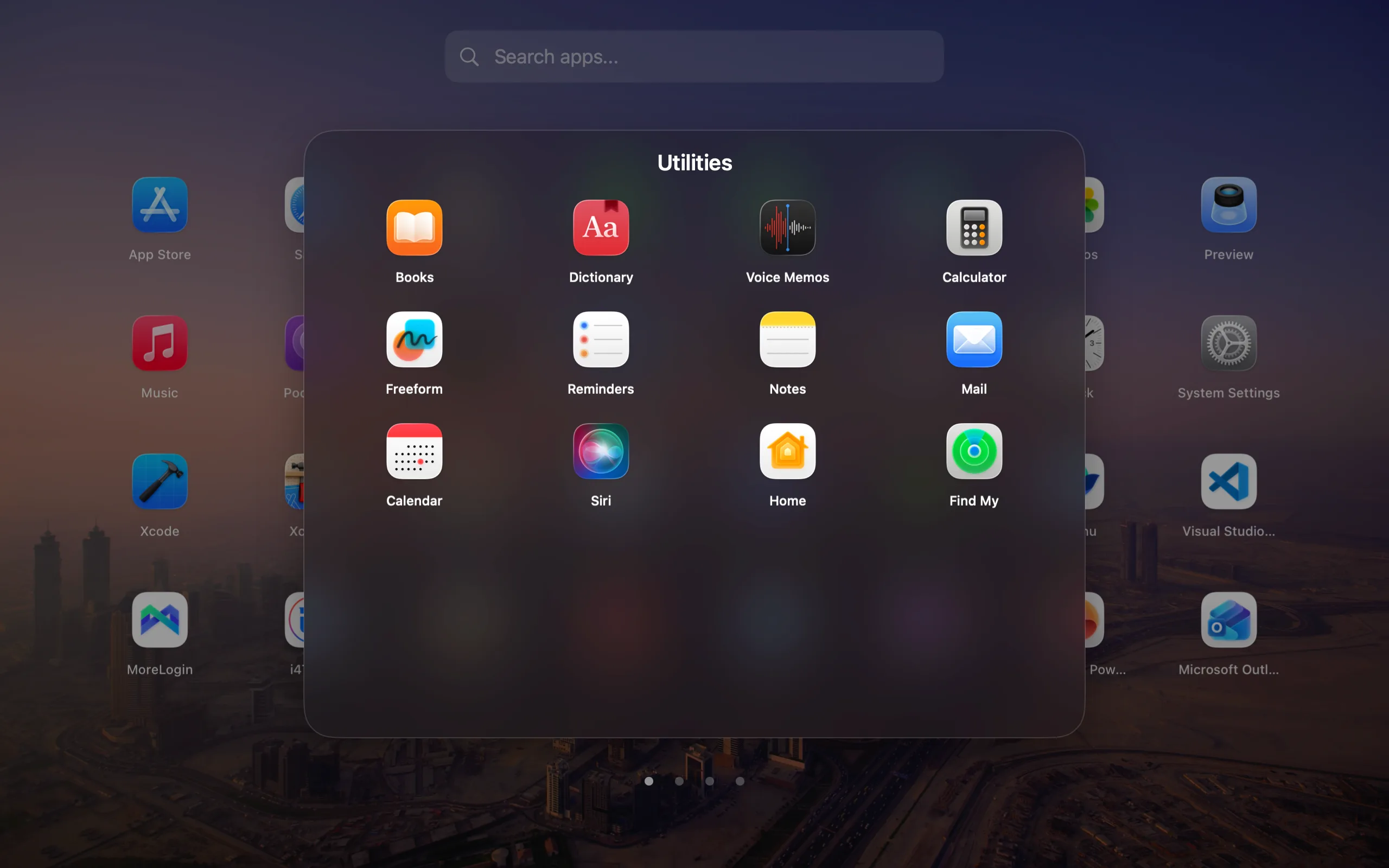
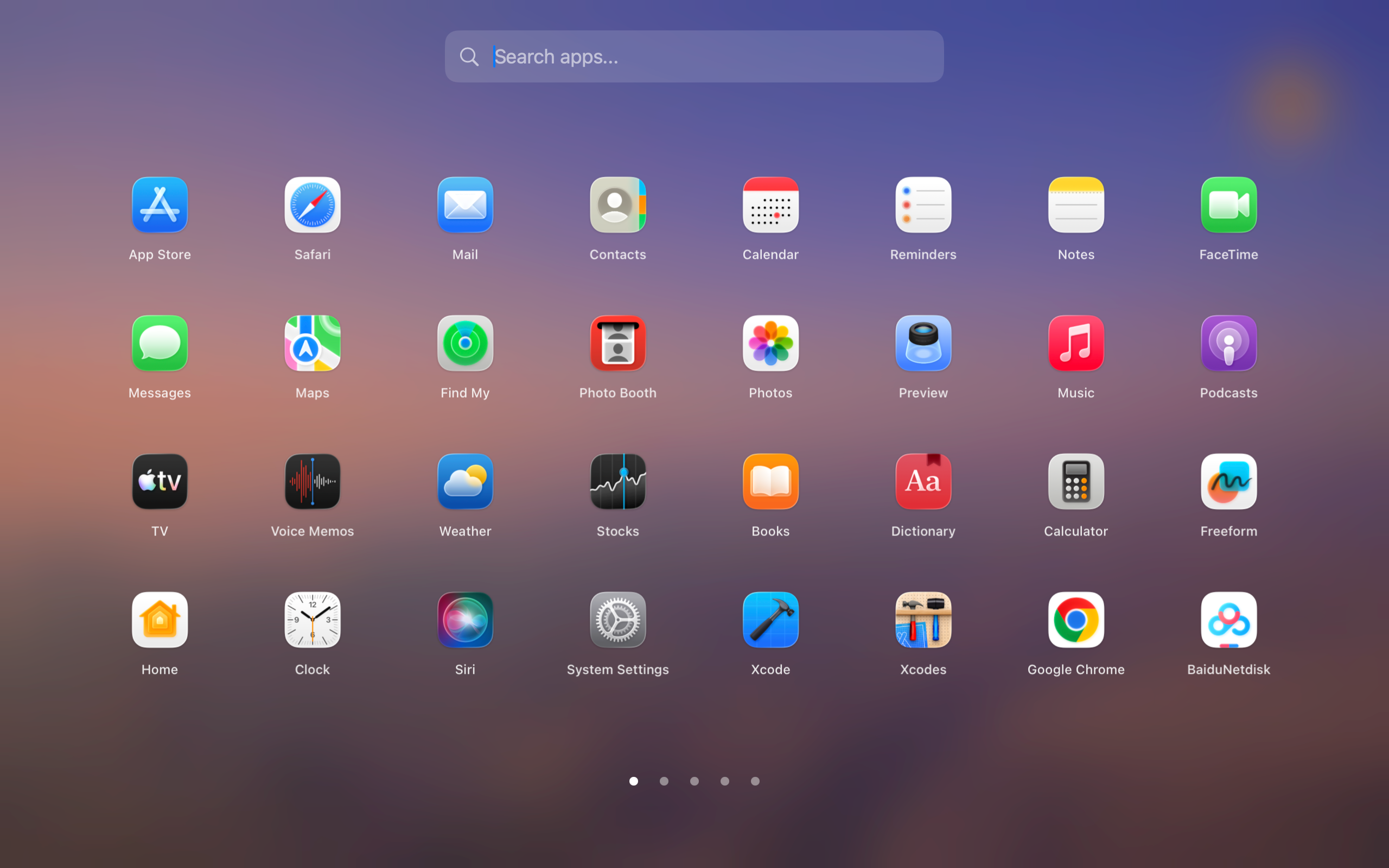
Facet app launcher preview showing a polished Mac Launchpad-style app grid

Facet launcher preview

Free foreverFullscreen grid, search, folders, shortcut, and import.
1.0.29 · Project ResourcesUp to 12 project websites, files, or folders in each editable Mode.
1.0.28 · Launch SetsUp to 12 apps per Mode, with shortcuts to open its view or start the set.
The Pro difference

Your launcher should know what kind of day it is.

Facet Modes are named app collections with their own launcher appearance. Switch the view in Facet without launching, quitting, hiding, or rearranging the apps already running on your Mac.

  • Separate the apps. Keep office tools away from creative software, developer utilities, and entertainment.
  • Separate the look. Choose a background, glass level, icon size, and grid for each editable mode.
  • Inherit only what you want. Every appearance field can follow Global or keep a mode-specific override.
Clear boundaryFacet Modes organize what the launcher shows. They are not virtual desktops and do not automate running windows.
Mode 01
Office

Communication, calendar, documents, and planning—without creative tools or games in the same view.

Real Facet 1.0.22 interface · English recording · 11.6 seconds · no audio

See it in action

Open, browse, launch — instantly.

Facet launcher demo

What Facet does

Recent additions to Facet Pro.

Pro · 1.0.29

Project Resources for every Mode

Save up to 12 websites, files, and folders in each editable Mode. Search one list to find and open an item, or add selected resources to its Launch Set. In compact mode, the Apps / Project Resources switch appears only when resources are configured.

Pro · 1.0.28

Launch Sets and Mode shortcuts

Save up to 12 apps in each Mode’s Launch Set. Open Mode changes the view only; Start Launch Set opens selected apps first, then selected project resources.

Pro

Compact mode and per-Mode appearance

Keep the fullscreen launcher free. Pro adds a compact panel and lets each Mode keep its own apps, background, glass, icon size, and grid.

Free and Pro

Start free. Upgrade only if Pro fits your workflow.

Permanent edition

Facet Free

$0forever
  • Classic fullscreen app grid
  • Keyboard search and app launching
  • Folders, ordering, and Launchpad import
  • Global keyboard shortcut
  • Default macOS-style appearance and layout
Optional upgrade

Facet Pro

$14.99regular price · paid once
  • Everything in Facet Free
  • Facet Modes with separate app collections
  • Save up to 12 apps in each Mode’s Launch Set, then start the set
  • Per-Mode shortcuts: Open Mode or Start Launch Set
  • Save up to 12 websites, files, and folders per editable Mode; search and open them individually
  • Add selected project resources to a Launch Set; selected apps open first
  • Per-mode background, glass, icon size, and grid
  • Compact launcher mode
  • Wallpaper, glass, grid, and scrolling controls
  • Hot corner, hidden apps, and aliases
  • Dock and menu-bar icon customization

Start the optional 14-day trial inside Facet to unlock Pro. No card, automatic charge, or subscription. Switching a Mode or choosing Open Mode only changes the view. Start Launch Set opens selected apps first, then selected project resources.

Make it yours

Choose how you launch.

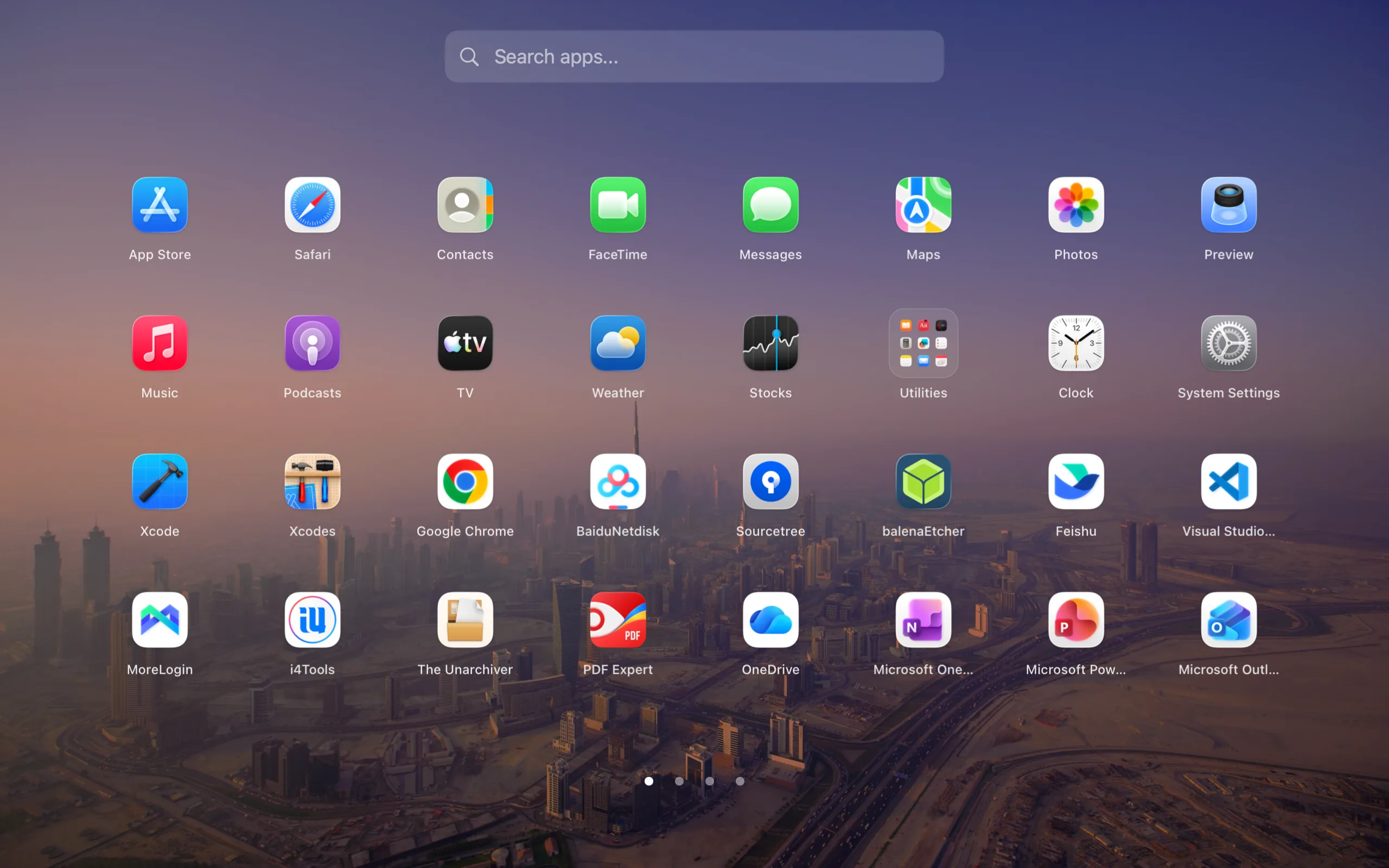
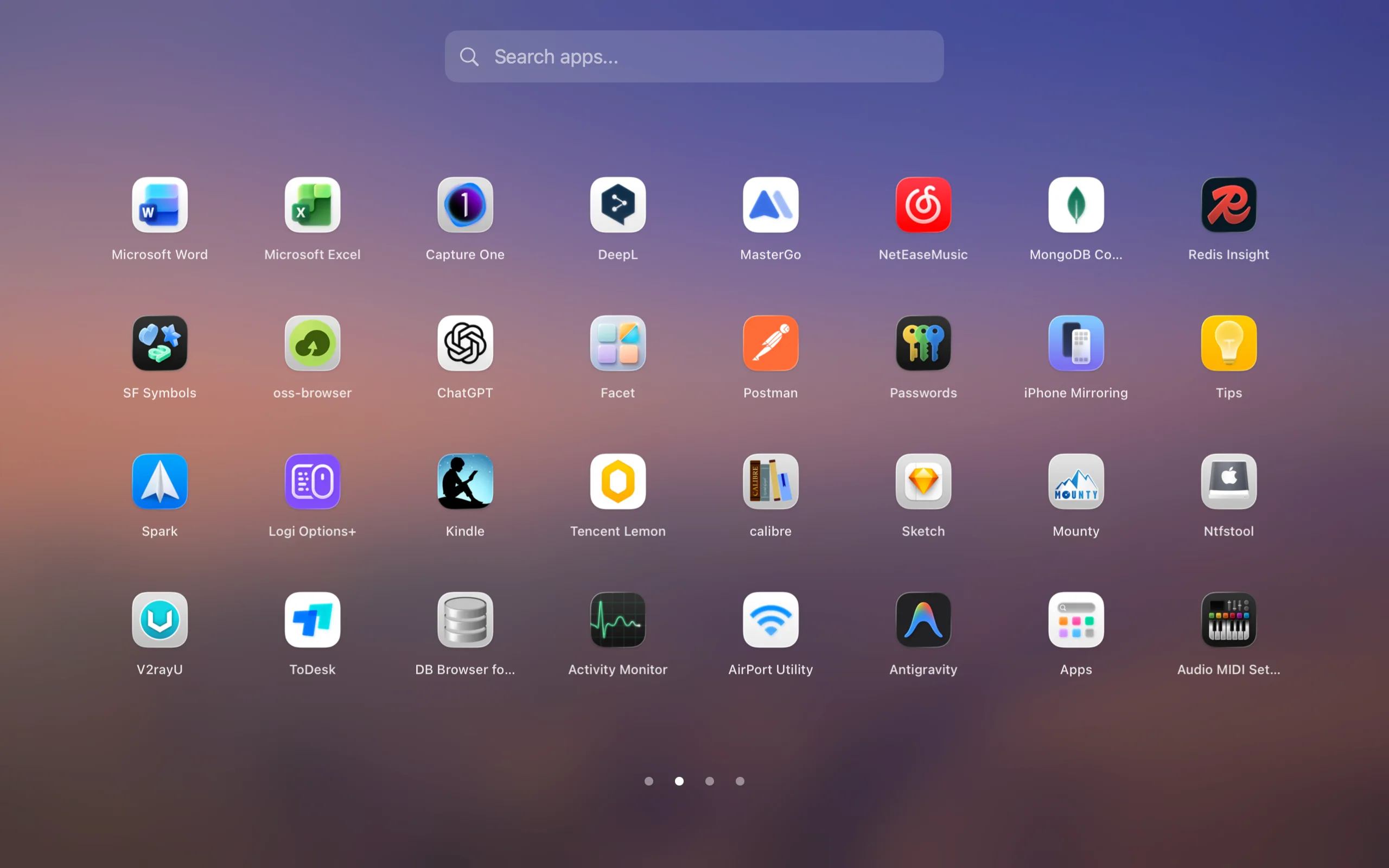
Facet fullscreen launcher showing the app grid over the current Mac wallpaper

Wallpaper

Facet compact launcher panel with search and app icons over a desktop wallpaper

Compact panel

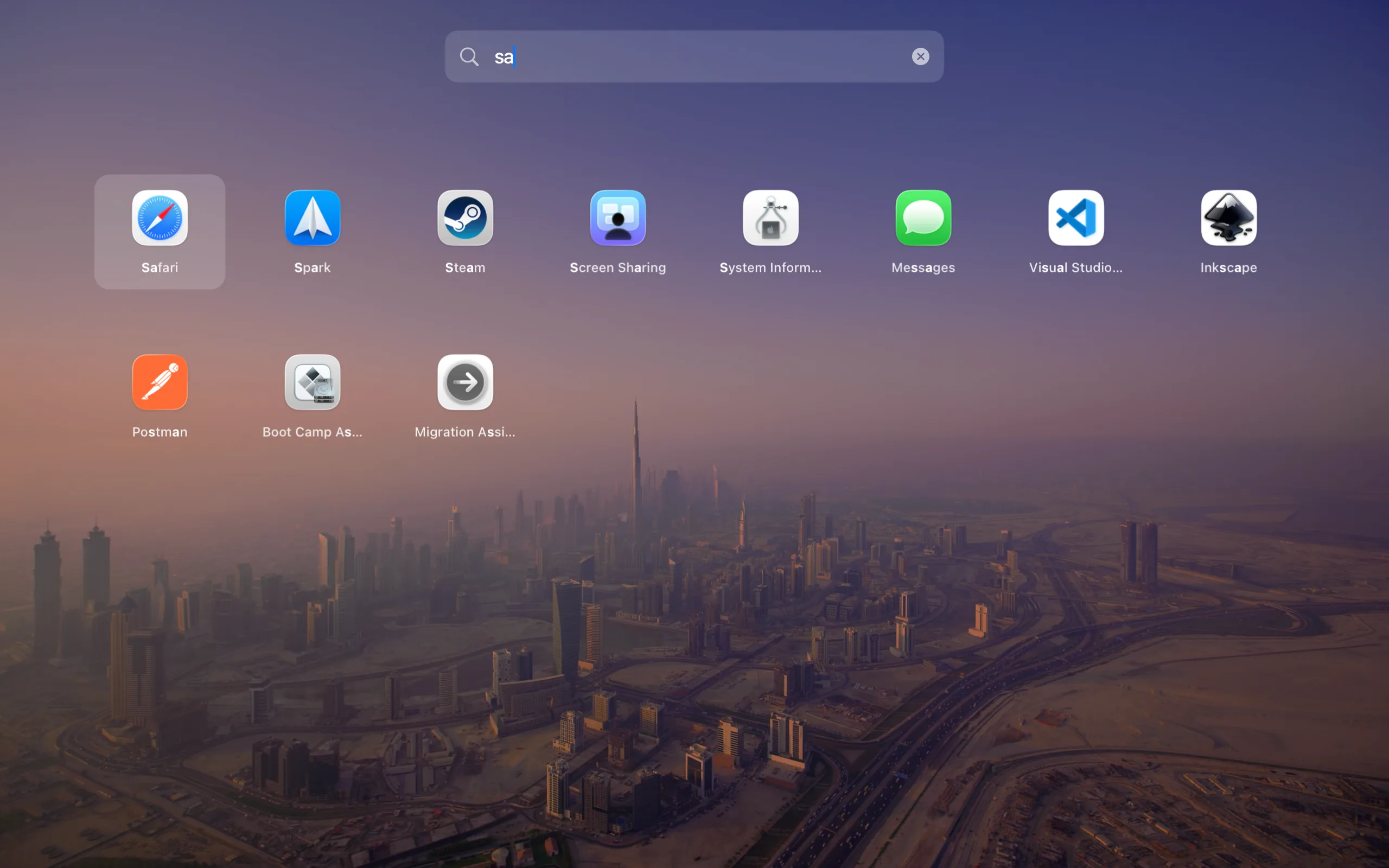
Facet fullscreen launcher filtering apps from the search bar

Keyboard search

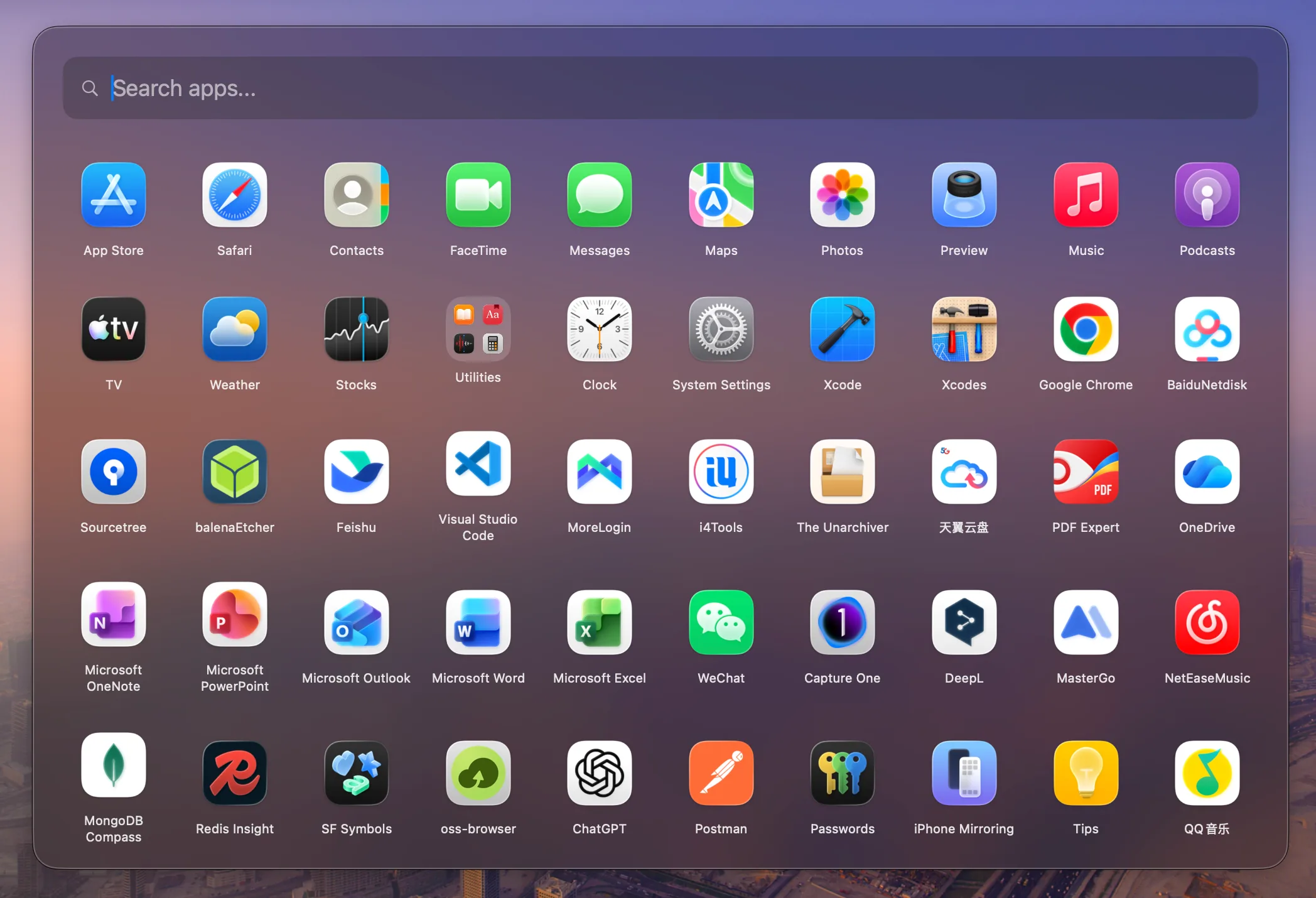
Facet fullscreen launcher using a frosted glass background with app icons

Frosted glass

Facet fullscreen launcher with a folder expanded over the app grid

Folders

FAQ

Answers for Mac users replacing Launchpad.

What is Facet?

Facet is a Launchpad replacement for Mac. It restores a classic app grid with keyboard search, folders, Launchpad layout import, and local-first app organization.

How much does Facet cost?

Facet Free is $0 and does not expire. The regular Facet Pro price is $14.99 USD, paid once; one license covers up to three Macs. Dodo checkout may apply an automatic discount and show local currency, so confirm the final total there.

What happens when the Pro trial ends?

Facet Free remains available, and your project resources, Launch Sets, and Pro settings stay saved. Project Resources, Launch Set execution, and Pro Mode shortcuts require active Pro access again. The trial ends without a card, automatic charge, or subscription.

Does switching Modes open apps?

No. Switching a Mode or choosing Open Mode only changes Facet’s view. Start Launch Set explicitly opens the selected apps first, then the selected project resources. Already-running apps are not restarted.

What shortcuts does Pro add?

Facet Pro lets each Mode have an Open Mode shortcut to show its view and a Start Launch Set shortcut to open its selected apps and project resources. The global shortcut that toggles the fullscreen launcher remains Free.

Does Facet collect telemetry?

No. Facet is built to run locally with no ad tracking and no telemetry-based growth loops.
Guides

More ways to evaluate Facet.

Mac app launcher

For broader launcher searches, see why Facet works as a Mac app launcher.

Separate apps by mode

Create focused collections for work, design, development, or play with Facet Modes for Mac.

Download

Download Facet and keep using it free.

Open the DMG, drag Facet to Applications, and choose “Continue Free.” Start the optional 14-day Pro trial inside the app whenever you like.

Or install with Homebrewbrew install --cask QuartzInkStudio/tap/facet
Purchase

Keep Free, or unlock Pro once.

Facet Free remains available without payment. Facet Pro’s regular one-time price is $14.99 USD for up to three Macs. Dodo checkout may apply an automatic discount and display local currency; confirm the final total there.

Buy Pro →
More from Quartz

Focused Mac tools from the same studio.

Facet is made by Quartz, an independent Mac studio building private, focused utilities without subscriptions.

Explore all Quartz apps →